GibTalk
A free AAC app for communicating without speaking.
Tap a picture, and GibTalk says the word out loud. For children and adults who can't yet speak, or can't speak reliably, it's a voice, and a way to be understood. Free, with no ads, on Android, iPhone and iPad.
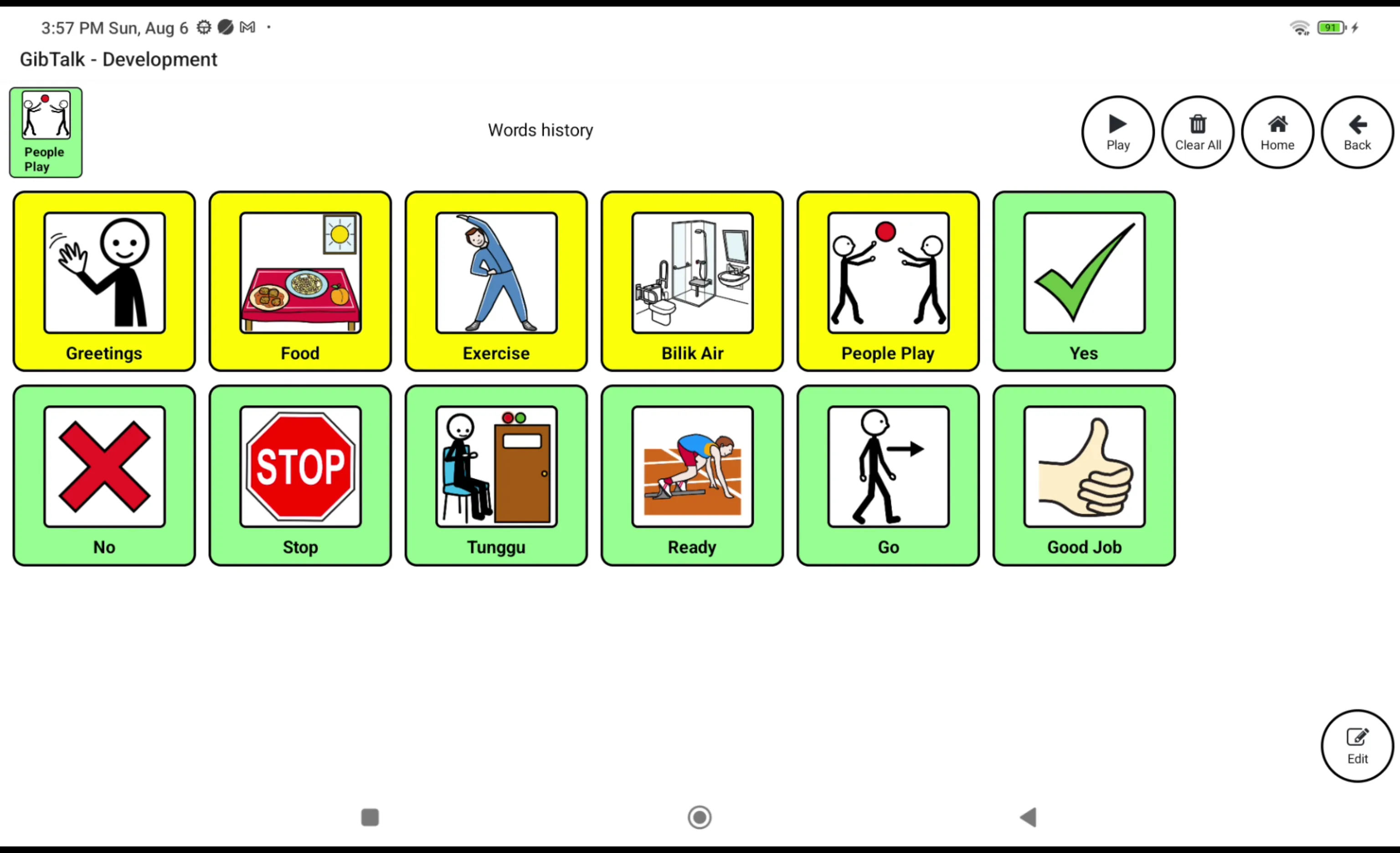
What is AAC?
AAC stands for augmentative and alternative communication. An AAC app is a grid of pictures on a tablet or phone. Tap drink, and it says "drink". Tap I want, then play, and it says "I want play". Speech therapists and teachers often recommend one for children who are autistic, or who have other conditions that affect speech.
What GibTalk does
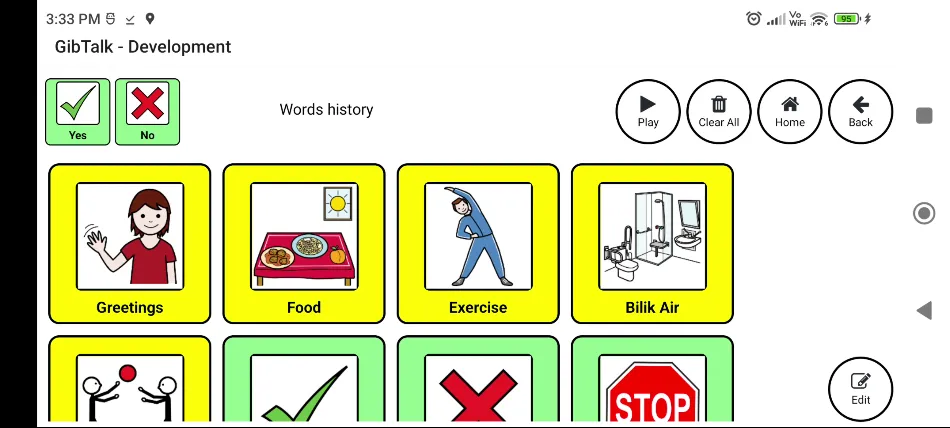
- Pictures that speak. Every word is a picture tile, spoken aloud with your device's own voice.
- Any language, per word. Mix Malay and English, or any languages your device can speak, on the same screen. Each word is spoken in its own language.
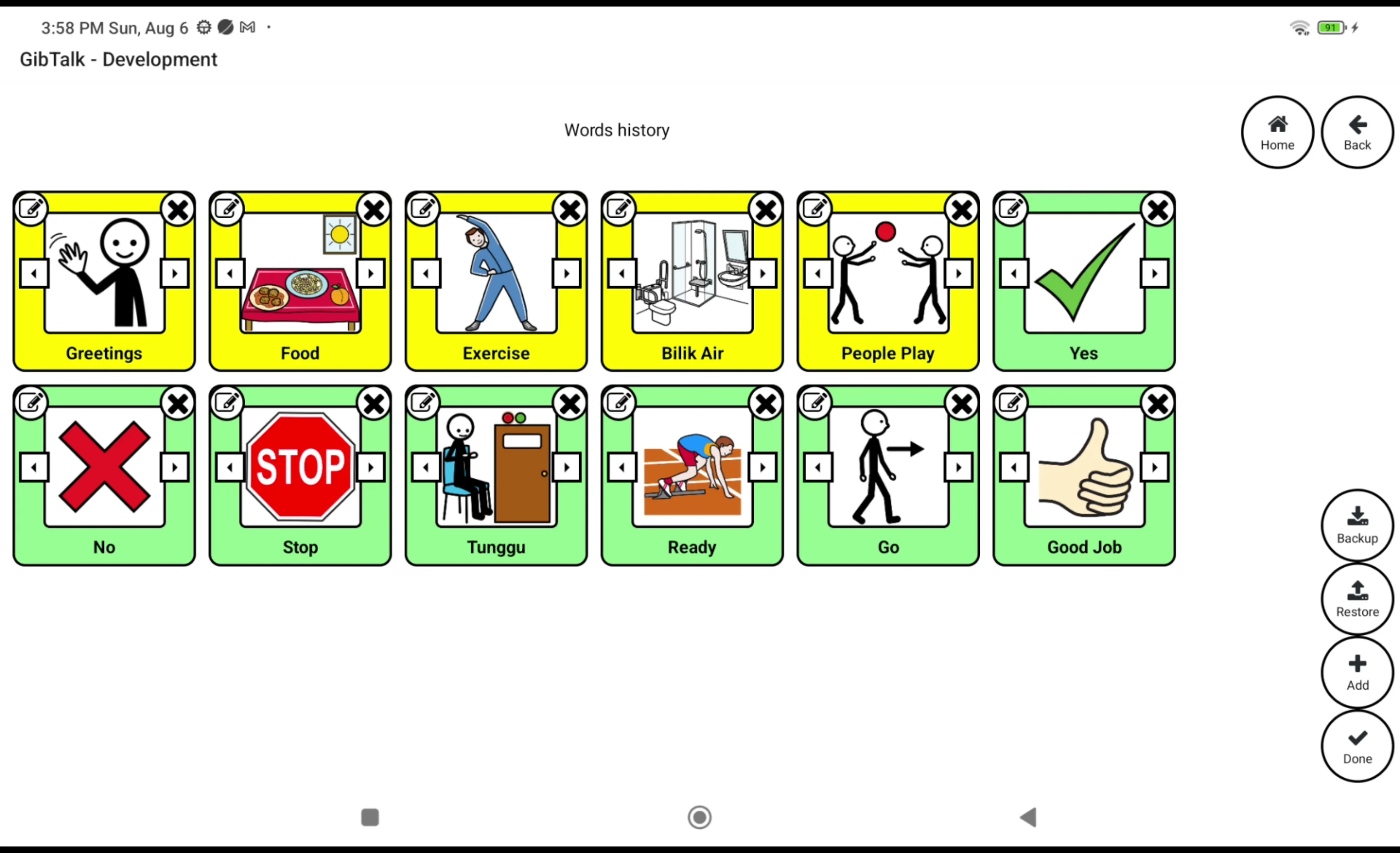
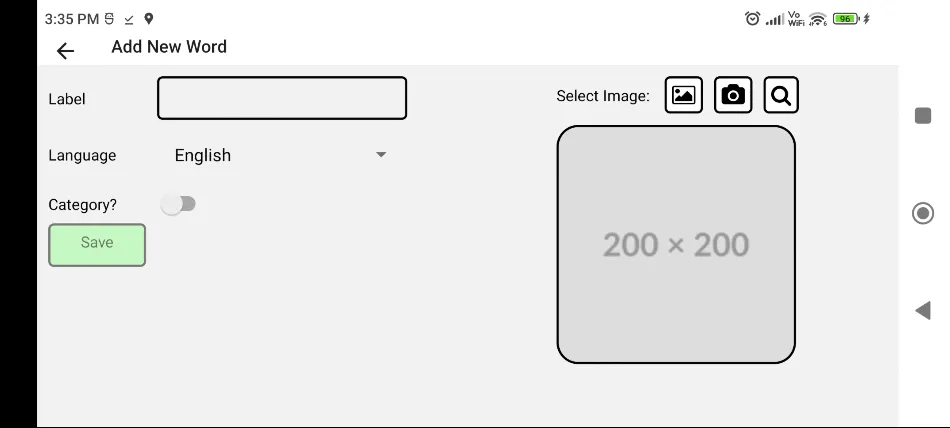
- Your own words. Add and edit words, organise them into folders, and copy and paste between folders.
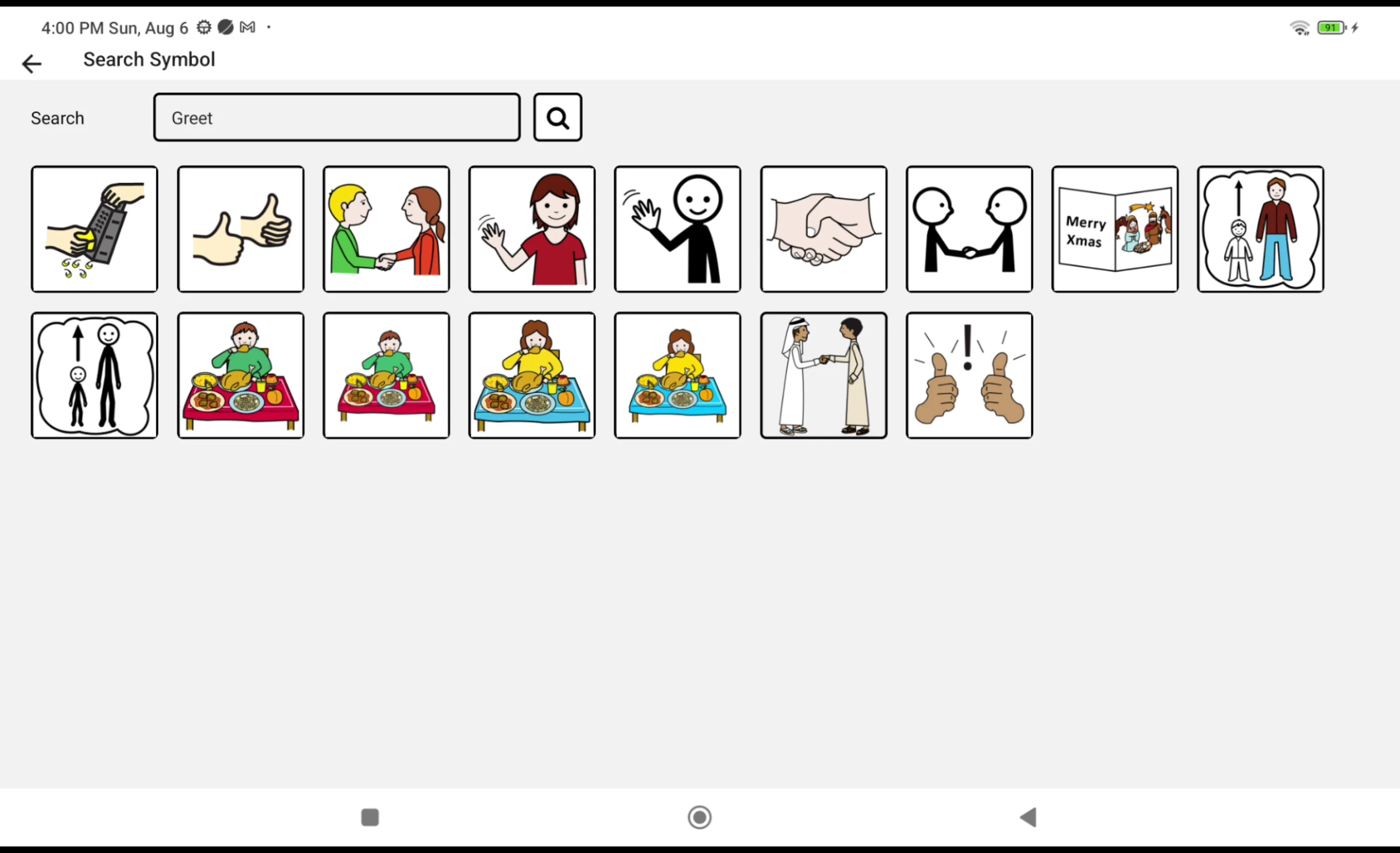
- Your own pictures. Search thousands of free symbols, or take a photo of the real thing: your child's own cup, bag or car.
- Ready-made word sets. Start from templates for greetings, mealtime, play, the playground and more, in English and Malay.
- A keyboard that talks, for typing a sentence and hearing it spoken.
- Backup and restore, to keep your words safe or move them to a new device.
Private by design
GibTalk works offline. There's no account, no login, no analytics and no data collected. Your words and pictures stay on your device. Read the privacy policy.
Free, and staying free
Most good AAC apps cost a lot, and many families wait for a sale before they can buy one. GibTalk is free, with no ads and no paid features. Its only running cost is a small server for searching symbols. The code is open source.
Made by a parent
I built GibTalk for my own kids, and shaped it with their teachers and speech therapist. Read how it started.
Help
A word is spoken in the wrong language
Edit the word and choose its language. If it still sounds wrong, your device may need that language's text-to-speech voice installed, usually in your device's settings under text-to-speech or accessibility.
Moving to a new device
In edit mode, tap Backup to save your words to a file, then Restore it on the new device. Restore replaces the words already on that device.
Something else? Open an issue on GitHub.